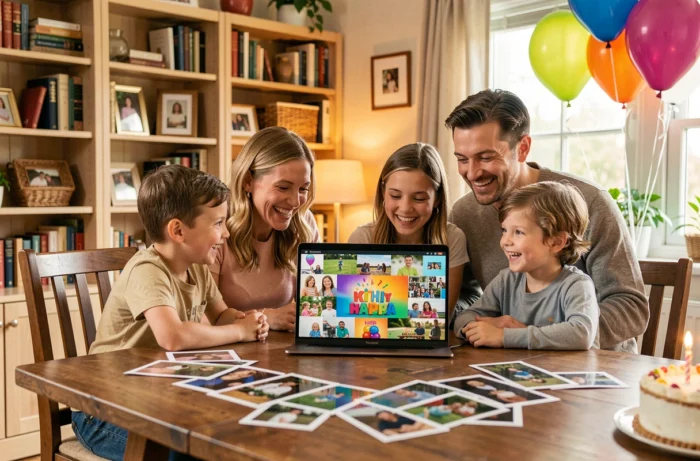
A birthday slideshow for children often boils down to a series of poorly framed photos set to overly long music that no one watches until the end. The real challenge is not technical: it’s to produce a short montage, readable on a smartphone, that the family will want to revisit after the party. Here are ten concrete techniques to achieve this, categorized by type of creative approach.
1. The reverse chronological montage, from the big day to birth
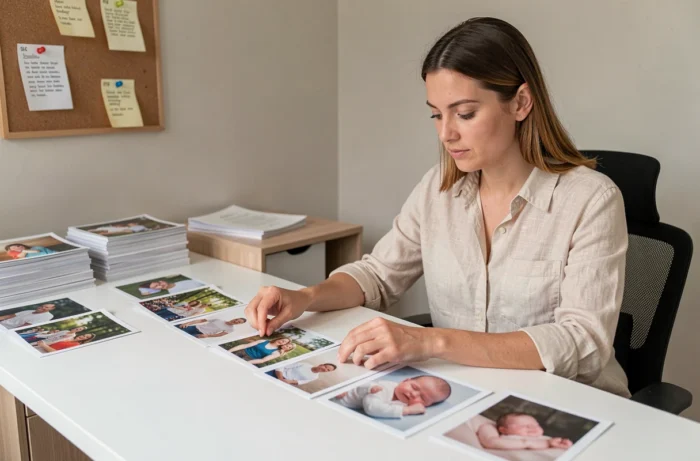
Starting with the most recent photo and moving back to the early days of life creates an immediate narrative effect. The viewer recognizes the child and then discovers forgotten images. This structure provides a natural thread without the need to write text between slides.
Limiting the montage to one photo per quarter of life is sufficient for a five-year-old. This amounts to about twenty pictures, resulting in a slideshow of two to three minutes, the maximum duration to keep a group of children engaged.
If you’re looking for a birthday slideshow idea to create with a simple and touching result, this reverse chronological format remains the most effective for a first attempt.
2. The ready-to-edit video template for a quick result

Editing platforms like Clipchamp or Envato Elements now offer “birthday” templates with a very short customization process: replace the media, adjust the text, add audio. The editing time goes from several hours to less than thirty minutes.
The template does not replace the choice of photos, it structures the visual rhythm for you. Opt for a model with few transitions (simple fade, side slide) rather than an overloaded template with animations that will age poorly.
3. The collaborative slideshow with messages from loved ones

Incorporating personalized messages from family members transforms the slideshow into a collective memory. Grandparents, cousins, school friends: each sends a short video or animated text that appears between two sequences of photos.
This format works particularly well when loved ones live far away and cannot attend the party. A ten-second message per person is sufficient to keep the flow smooth without lengthening the total duration.
4. The unique soundtrack timed to the duration of the montage

The classic trap: choosing a four-minute song and then stretching the slideshow to fill the duration. The reverse method works better. Select your photos, estimate the necessary time (three to five seconds per image), then find a piece that matches this duration.
The music dictates the rhythm, not the number of photos. A familiar nursery rhyme or a royalty-free instrumental piece creates an atmosphere without distracting from the images.
5. The vertical format designed for mobile sharing
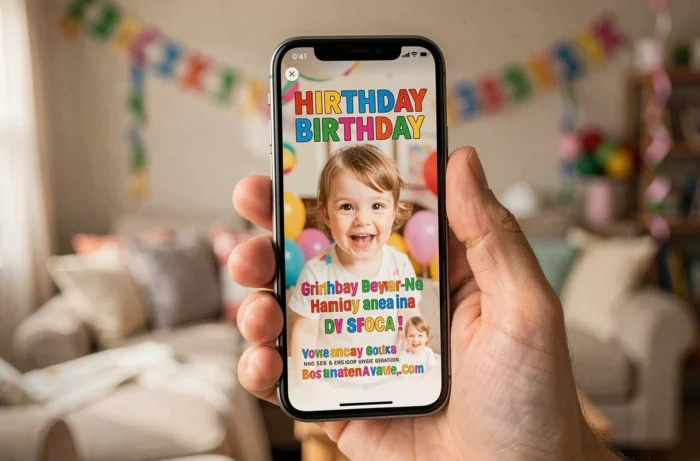
The majority of guests will watch the slideshow on their phones, not on a living room screen. Exporting in 9:16 (vertical) or 1:1 (square) format ensures that faces are not cut off and that the file can be shared without loss of quality on messaging apps.
A file larger than fifty megabytes will be automatically compressed by WhatsApp or Messenger, often resulting in a blurry outcome. Reducing the resolution to 1080p and limiting the duration to three minutes keeps the file size compatible with direct sharing.
6. The stop-motion with the child’s drawings
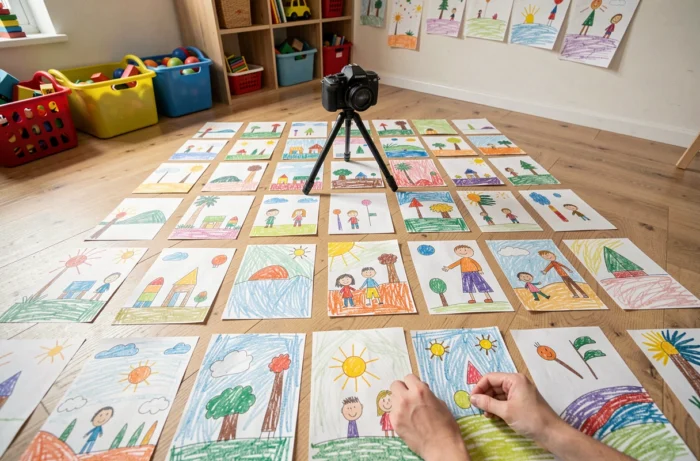
Photographing the drawings made by the child throughout the year and then chaining them together in stop-motion creates an original visual effect that traditional slideshow software does not offer. Each drawing remains displayed for one to two seconds.
This format appeals to children because they recognize their own creations. It also works as an activity leading up to the party: asking guests to draw a message, then integrating these drawings into the projected montage on the big day.
7. The segmentation into short chapters by theme

Rather than a continuous flow, structuring the slideshow into three or four chapters of thirty to forty-five seconds each provides visual markers:
- A chapter “mischief and laughter” with the funniest photos of the year
- A chapter “big firsts” (first bike, first school day, first failed cake)
- A chapter “family and friends” focused on shared moments
Title cards on a solid background between each chapter allow the viewer to catch their breath and prevent visual overload.
8. The sound background recorded by the child himself
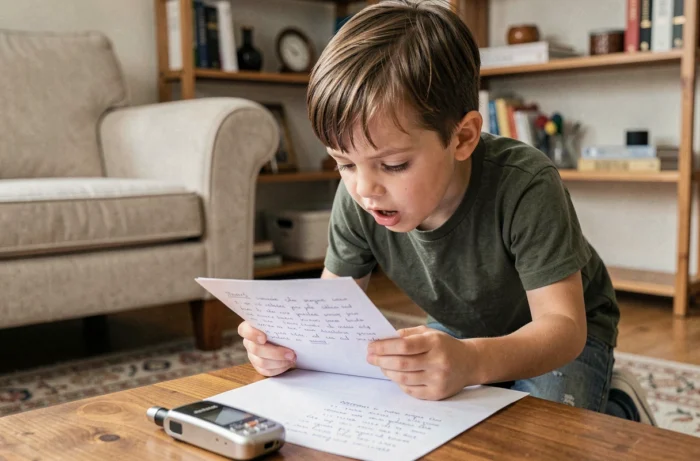
Replacing music with the child’s voice commenting on their own photos produces a unique result. At four or five years old, spontaneous comments are often more touching than any soundtrack.
The recording is done simply with the smartphone’s dictaphone. A few short phrases (“This is me at the beach with Grandma”) are enough. The silence between comments does not need to be filled with music.
9. The printed QR code for sharing without a USB key
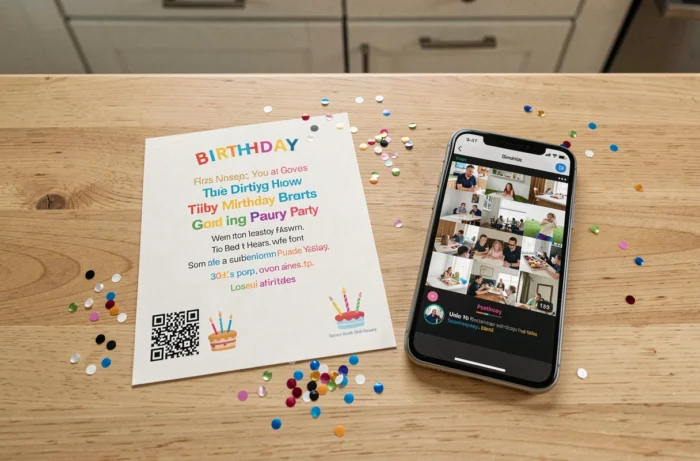
Hosting the slideshow on a video sharing platform (even in unlisted mode) and generating a QR code to stick on invitations or on the snack table solves the sharing problem.
Each guest scans the code and accesses the slideshow on their own phone. This avoids sending overly large files via messaging and compatibility issues between devices. The link remains accessible after the party, extending the lifespan of the memory.
10. The “one second per month” montage for an ultra-short format
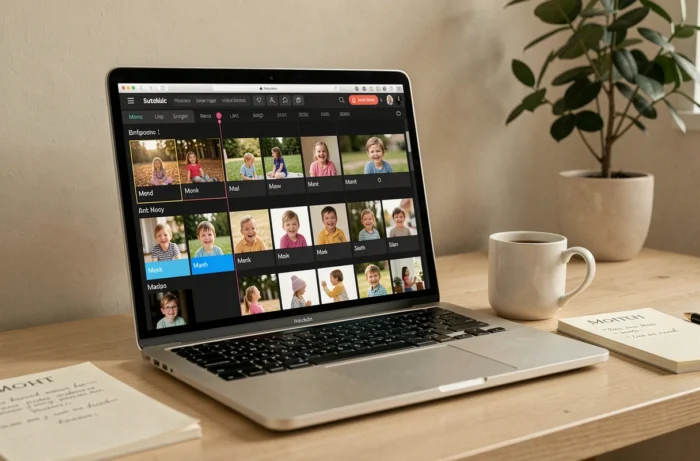
Selecting a single photo or a one-second clip for each month since the last birthday results in a twelve-second slideshow. This radical format forces you to keep only the best shot from each period.
The result fits into an Instagram story or a WhatsApp status, maximizing the number of views. For the party, this micro-slideshow can serve as a teaser before the projection of a longer version in chapters.
The common thread among these ten approaches: a successful birthday slideshow lasts less than three minutes and is easily viewed on a phone. It’s better to have twelve well-chosen photos with a clear narrative thread than a hundred images scrolling without logic. The memory lies in the selection, not the quantity.