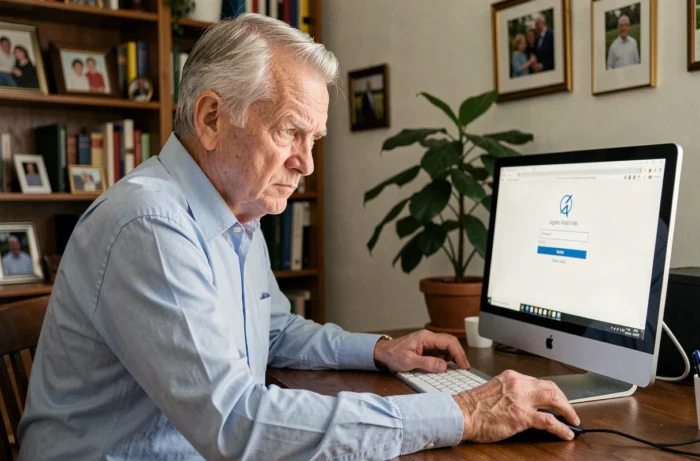
The Orange retirees’ Kiosk is a separate portal from the public customer space. It relies on a specific identifier, the CUID (internal identifier France Télécom/Orange), or on the professional email address assigned during the career. Losing your password on this portal is not resolved in the same way as on a standard Orange account, and the confusion between the two systems is the primary cause of blockage.
CUID and professional address: understanding the Kiosk retirees’ identifier
The Mon Kiosque portal (monkiosque.orange.fr) requires either your CUID or your Orange professional email address. These are the only recognized entry keys.
If you can no longer find your CUID, the professional email address (in the format [email protected]) can serve as an alternative, provided it is still referenced in the system.
A detailed guide explains the steps to access my Orange retirees’ kiosk account when the login fails after several attempts.
Keep in mind that the Orange public account reset procedure does not work for the Kiosk. Orange support describes a process related to a personal email address or a mobile number, which corresponds to the commercial customer space. Applying this procedure to the retirees’ Kiosk will yield no results.
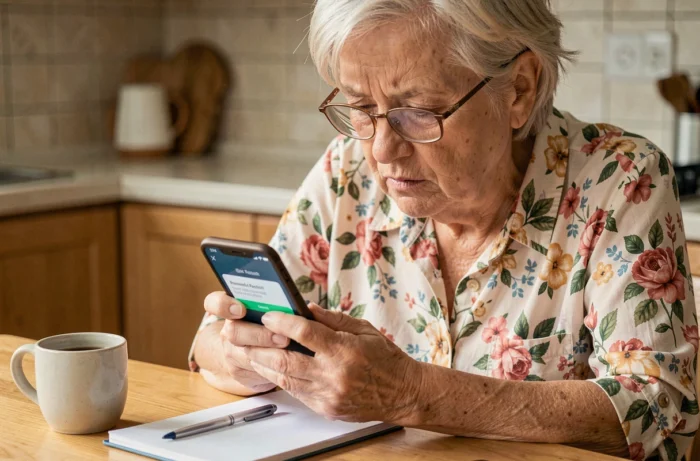
Forgotten password on the Orange Kiosk: the reset process
On the Mon Kiosque login page, a link titled “It’s my first login or I’ve forgotten my password” triggers the recovery process. This process is common for retirees logging in for the first time and for those who have lost their identifiers.
What the portal asks at this stage
After clicking the link, the system prompts you to enter your CUID or your professional address. A reset email is then sent to the address associated with your profile in Orange’s HR database.
The problem arises when the registered email address is no longer accessible. Several situations can cause this blockage:
- The professional address was deactivated after retirement and no personal address was provided as a replacement.
- The personal address declared during the active period is no longer used, or access to the inbox has been lost.
- A typo in the registered address prevents the receipt of the reset link, with no visible error message on the user side.
In these cases, the online process comes to a complete halt. No SMS code is offered as a backup solution, unlike the standard Orange customer space.
Persistent blockage: offline remedies for the Orange retirees’ Kiosk
When automatic reset fails, the situation requires human contact. The portal does not offer a chatbot or a specific form for blocked retirees.
Contacting the service dedicated to former employees
Orange has an HR service for the group’s retirees. This service can update the email address associated with your CUID, which then unlocks the online reset procedure.
The CFE-CGC Orange has reported that former employees regularly encounter access difficulties to the Kiosk for several years. Therefore, the problem does not always stem from a simple forgotten password: technical malfunctions of the portal itself have been documented by this union.
Retiree associations as intermediaries
The retiree associations of the Orange group can assist their members in the procedures. They often have direct contact with Orange’s HR services and know the forms to fill out to unlock access. If you are a member, this is a shortcut not to be overlooked.
Securing access to the Orange retirees’ portal after recovery
Once the password is recovered or recreated, a few precautions can prevent experiencing the same situation again.
- Enter an active personal email address in your Kiosk profile as soon as the first successful login occurs, so that future reset links arrive in a mailbox you control.
- Note your CUID in a safe place (physical notebook, password manager). This code never changes and remains your main access key.
- Choose a password distinct from that of your public Orange account or personal email, to limit the impact in case another service is compromised.
The portal provides access to sensitive information: benefits, tax documents, withdrawal dates, family quotient. A strong password protects personal and financial data, not just access to a reading space.
The most effective reflex remains to check, once a year, that the email address associated with your Kiosk profile is still valid. This check takes less than a minute and avoids a complete blockage on the day you actually need to consult a document.